

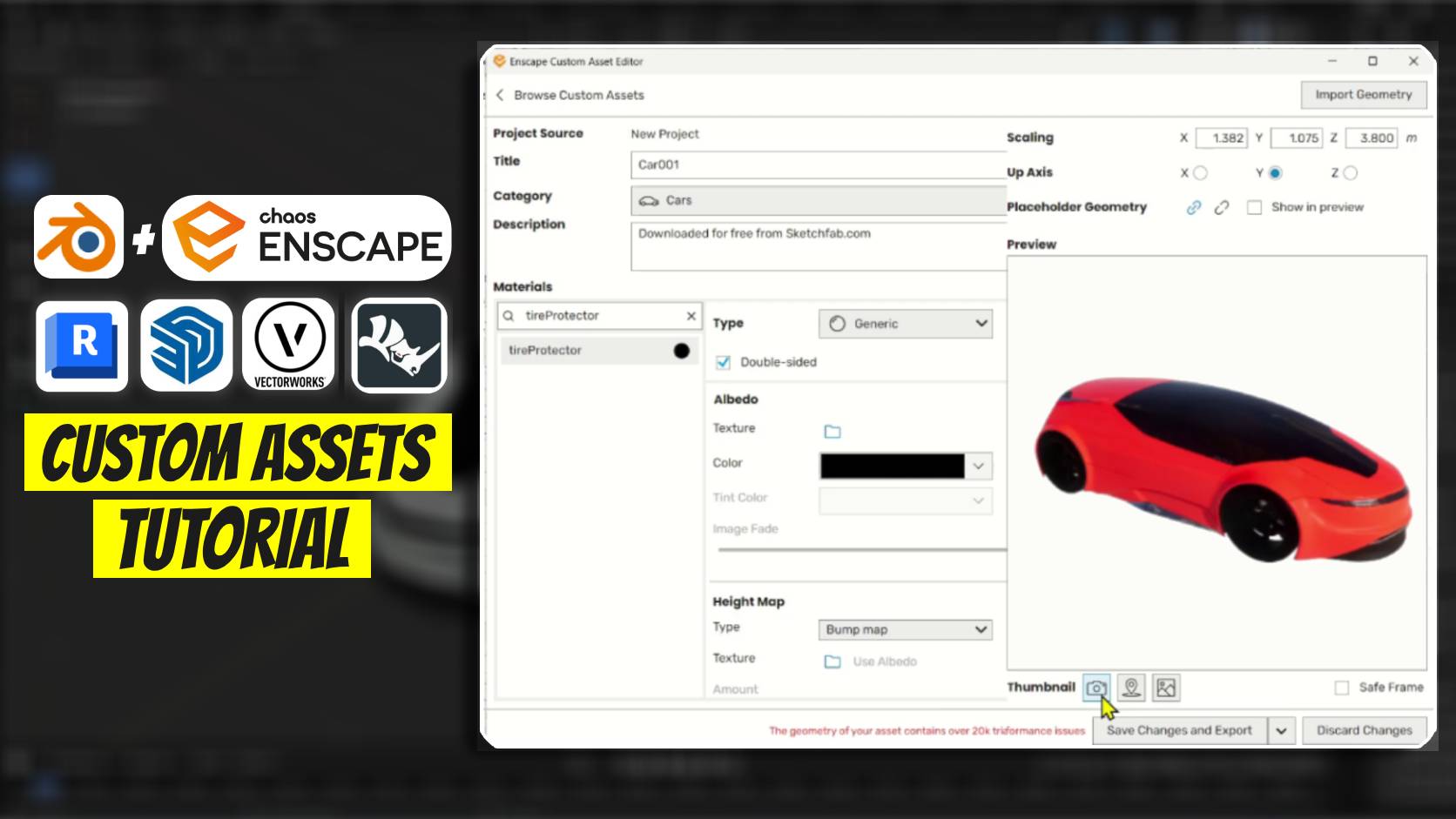
In this tutorial from the Enscape for Revit Advanced Course, we walk step-by-step through the process of creating, configuring, and importing your own custom 3D models into Enscape. You’ll learn how to properly prep geometry, assign high-quality materials, and set up accurate custom asset thumbnails directly within Revit for a seamless, professional rendering workflow.
↓↓Download Enscape Custom Assets ↓↓
Accessories & Decor:Click Here
Wardrobes: Click Here
Beds: Click Here
Sofa: Click Here
Sketchup Files Downloaded from: https://sketchup.cgtips.org